
Beautiful Plants For Your Interior
Original price was: ₹1,050.00.₹787.00Current price is: ₹787.00.
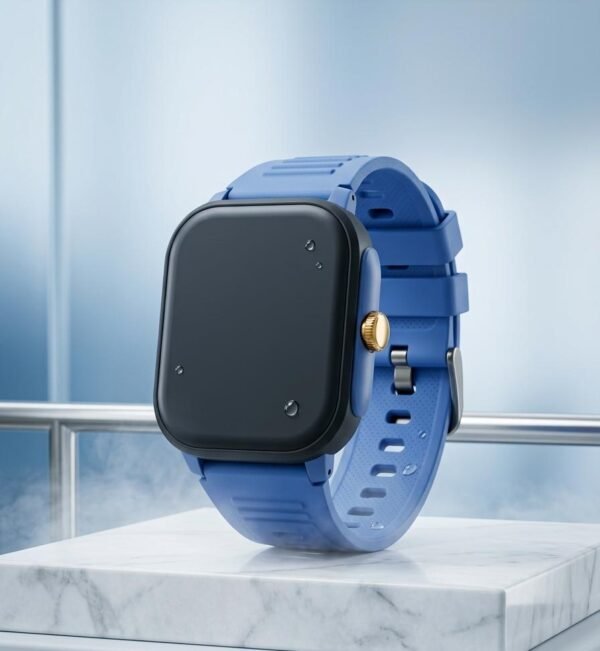
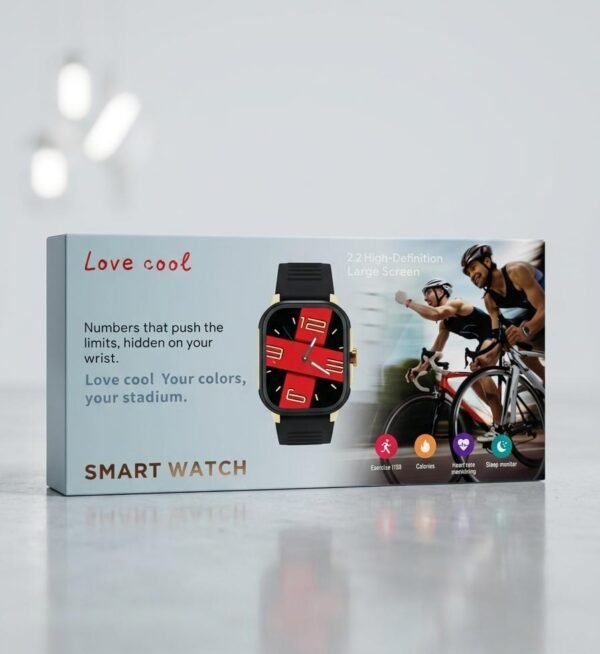
Massive 2.2″ High-Definition Large Screen: Enjoy crystal-clear visibility at a glance. The vibrant, oversized display makes reading notifications, tracking stats, and navigating menus effortless—even mid-workout.
Dynamic Health Insights: Stay in tune with your body. Equipped with real-time Heart Rate Monitoring and comprehensive Sleep Tracking to ensure you are recovering just as hard as you are training.
Your Personal Fitness Coach: Track your burn with dedicated Calories counting and an Exercise Mode built to log your sweat sessions and push your boundaries.
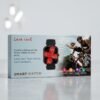
Bold, Premium Aesthetics: Featuring a striking red-and-black watch face with modern numeric styling, a gold-accented bezel, and a rugged, comfortable black strap designed to handle the elements.
NOTE :
We make every effort to showcase our products as accurately as possible. However, minor variations in colour, or appearance may occur due to lighting, editing, photography, and display differences.
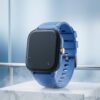
Push the limits of style and performance with the all-new Love Cool Smart Watch. Featuring a stunning, expansive display and wrapped in a sleek, sporty design, this smartwatch is engineered for those who live life in the fast lane. Whether you are crushing a cycling milestone or keeping tabs on your daily wellness, it’s the ultimate companion for your active lifestyle.
① After the watch is turned on, slide the right side bar of the dial page, click QR code, View Bluetooth address on the QR code interface or directly scan the code to connect
② Open the Bluetooth of the mobile phone, enter the app and click Add device. After the search is completed, click the device to be connected to bind
Note: When the watch is connected to the app, the watch data will be synchronized with the phone through Bluetooth, including personal information, weather, step counting, sleep, contacts, etc. After disconnecting or unbinding, data will not be synchronized.
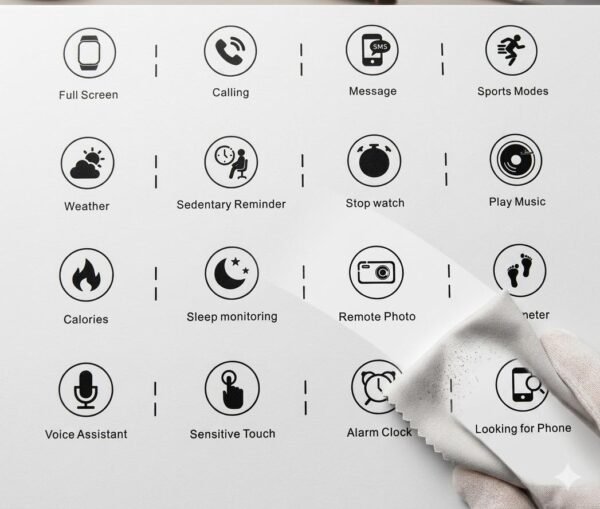
Dial up: connect the mobile phone and dial out with Bluetooth, and you can call at the watch end.
Contact: you can add a contact in the app. After the contact is successfully added, the watch phone book will be displayed synchronously. Click the contact in the phone book to make a call (Note: the watch needs to be connected to the mobile phone Bluetooth)
Call record: the call record at the watch end can be displayed. Click the phone number to dial.
Information: message push content can be displayed, such as SMS, QQ, wechat, etc. (SMS reminder will be blocked by default in systems above ios12).
Sports: Enter the sports mode selection interface, click again to activate the corresponding sports mode data monitoring: exercise time, distance, calorie consumption, heart rate data, etc.
Activity: Collect activity data for the day, swipe up to view daily consumption, exercise, and standing time records. Clear the data at 00:00 in the morning, or view it on the app. The app can set the daily step count to reach the standard value, and the watch will give a standard prompt.
Bluetooth photographing: when the mobile phone is not in the locked screen state and the app interface is opened, the watch enters the Bluetooth photographing, the mobile phone enters the photographing interface, the watch clicks to take photos, the mobile phone will take photos and store the photos to the mobile phone
Bluetooth Music: it can control the music playing in the mobile phone, “+”,”-“”-” to adjust the volume
Settings: including personal information, time settings, brightness settings, language settings, password lock, app views, sound and touch, etc
Find a mobile phone: when the watch is connected to the mobile phone, click the “start” button, the mobile phone will ring and pop up a prompt box
Weather: if the app is not connected, enter the weather display prompt, and the current weather temperature degree will be displayed after connecting the app
Water drinking reminder: set the water drinking reminder time. When the time is up, the watch will have an interface prompt icon
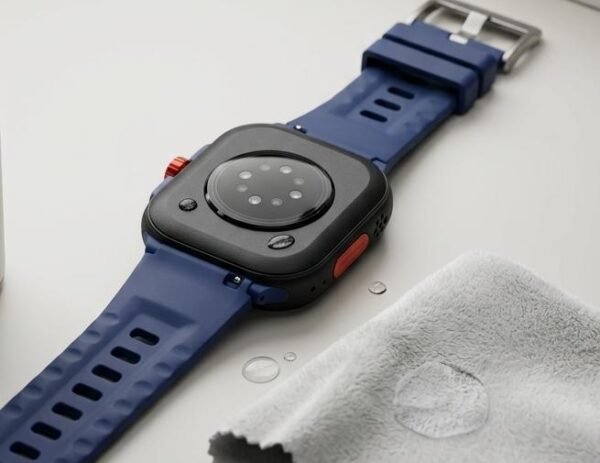
Avoid wearing watch, hot shower, sauna and diving in daily use. When the water meter is stained with water, please wipe the surface water stains with a soft cloth before operation.
The measurement results of this product are for reference only, and the data provided by the product are not used for any medical purpose and basis.
If the power adapter is used for charging, the power adapter meeting the requirements of corresponding safety standards shall be used to avoid bursting or fire caused by fake and shoddy power adapter.
Sidebar function: the dial slides right and left, or click the screen to return.
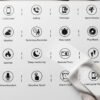
Menu list: On the dial page, click the crown button to enter the menu list. Click on a single menu icon to enter the corresponding function. Right swipe to return, or simply press the crown button or power button to return to the dial.
Shortcut menu: Swipe the dial upwards to display shortcut functions (including: Bluetooth call switch, do not disturb mode switch, mute setting, cover touch screen switch, style switch, etc.), click the icon to quickly turn on or off related functions.
Dial switching: Rotate the crown button on the dial page and select the corresponding dial.
Note: the other two dials are “custom dials” and “mall push dials”, which will change with the settings of APP end dials, mall and Diy dials.
Sleep monitoring: enable sleep detection to monitor sleep quality during sleep, and view sleep duration, wakefulness, deep sleep, light sleep and other data
Sedentary reminder: set the sedentary time. When the time comes, the watch will have a vibration reminder, and the interface will have a prompt icon
Heart rate: stick the watch close to the wrist and the best wearing position is above the wrist bone and arm. The real-time heart rate value can be measured. The normal value of ordinary people is 60-100 times / min. slide up to view the heart rate record
Blood pressure: stick the watch close to the wrist. The best wearing position is above the wrist bone and arm. You can measure the real-time blood pressure. Adult diastolic blood pressure: 60 – 80 (mmHg) adult systolic blood pressure: 100 – 120 (mmHg). Slide up to view the blood pressure record
Blood oxygen monitoring: stick the watch close to the wrist and the best wearing position is above the wrist bone and arm. The real-time blood oxygen value can be measured. The normal range of value is generally 95% to 100%. Slide up to view the blood oxygen record
Stopwatch: start and end timing
Calculator: can perform numerical calculations
Calendar: View calendar
Alarm: you can customize the alarm clock. Long press to delete the alarm clock
Timer: The timing duration can be set, and when it reaches the time, the watch will have an interface prompt icon
Voice Assistant: press and hold to realize remote control
Cycle Tracking: Based on user provided menstrual data, pre remind women of their menstrual period time
NFC: Can write general NFC card information
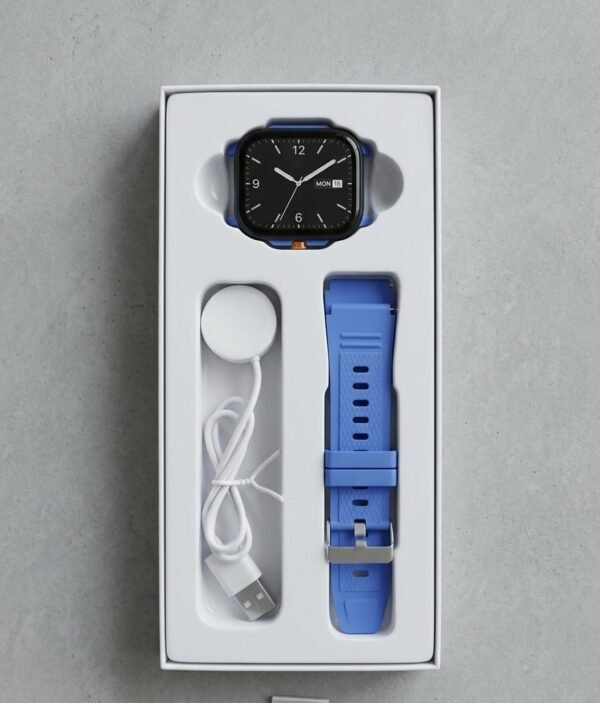
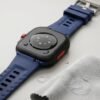
Take off the watch, lift one end of the strap and push it out along the card slot of the host strap, so that the strap and the host can be successfully removed.




Reviews
There are no reviews yet.